
Compare credentials and management models
Electronic door lock types and access methods explained
The best electronic lock is defined by the door, the users and the way permissions must change, not by the longest product feature list.
Updated:
Key points
- Electronic describes powered locking; smart usually adds software, connectivity or automation.
- PIN, card, fingerprint and mobile access solve different user-management problems.
- Standalone locks suit simpler doors, while connected systems support broader central control.
Electronic lock and smart lock are not identical terms
An electronic lock uses electrical power to authorise or release a door. It may be a self-contained keypad lock, an electromechanical mortise, an electric strike, a magnetic lock or another controlled device. A smart lock commonly adds an application, wireless connection, automation or richer user management.
The label alone does not describe security, compatibility or management quality. Compare the locking hardware, credential process, emergency behaviour and system support rather than assuming that every connected product is more suitable.
PIN and keypad locks
PIN entry is convenient because users do not carry a credential. It can suit homes, private offices and temporary guest access when codes can be issued, limited and removed. Shared permanent codes are difficult to control because they can be passed to another person.
Choose a model that supports individual or scheduled codes if accountability matters. Protect the administrator code and change exposed credentials promptly.
Card, mobile and biometric credentials
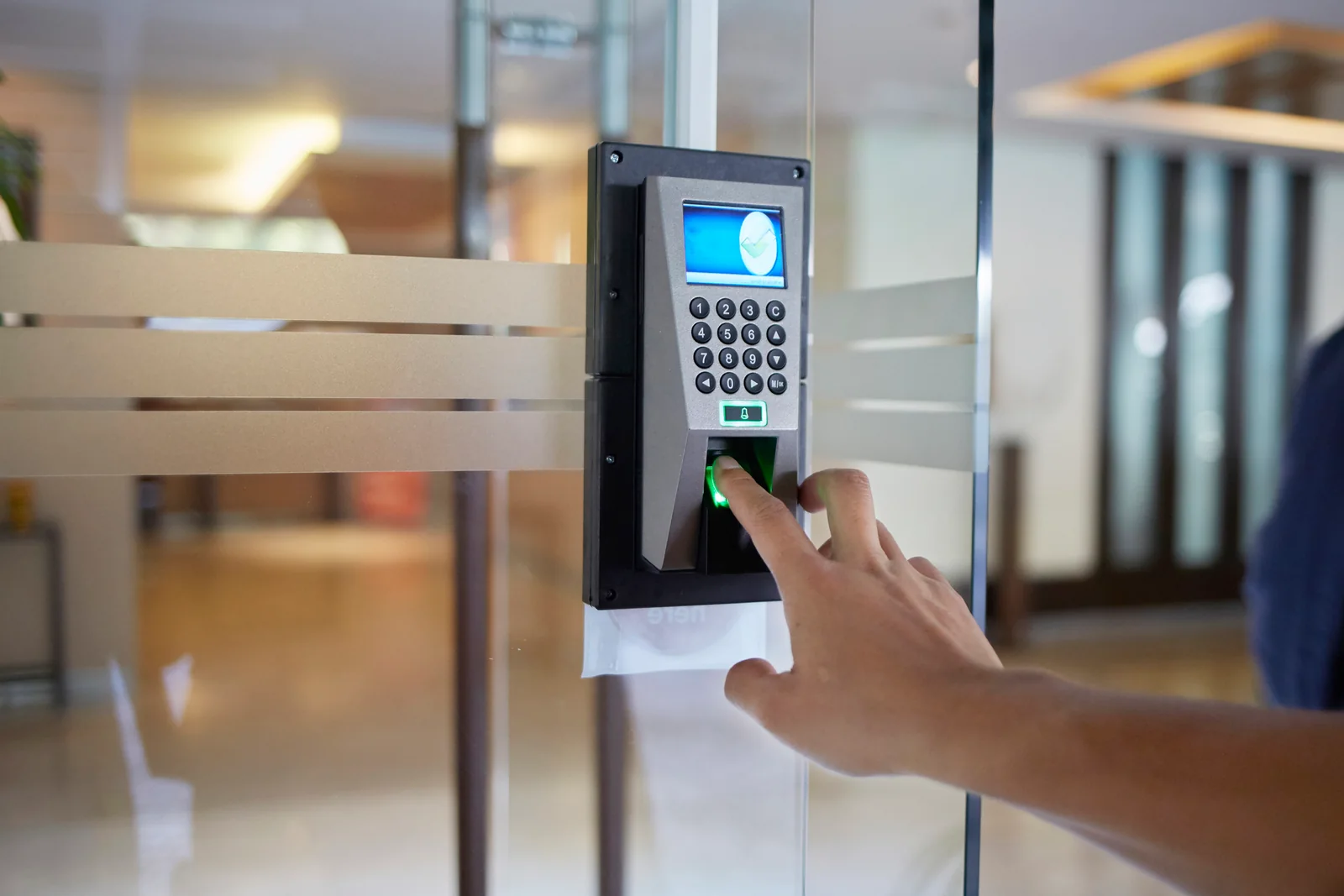
Cards and tags are practical when an organisation needs to issue and revoke credentials. Mobile access can reduce physical credentials but depends on supported phones, account recovery and a workable onboarding process. Fingerprints are convenient for recurring known users but need careful enrollment and a backup method.
Our fingerprint smart-lock guide explains biometric enrollment and daily operation in more detail.
The controlled lock behind the credential
A credential reader is only one part of the door. The system may operate an integrated mortise, electric strike, magnetic lock, drop bolt or motorised cylinder. Each format has different door preparation, holding behaviour, power needs and emergency-release considerations.
A professional electronic lock assessment in Damascus and Syria should identify both the access method and the physical locking solution before equipment is ordered.
Standalone versus centrally managed access
A standalone lock stores users at the door and can be efficient for one or a few openings. A networked or access-control platform can manage many doors, schedules and event records from one system, but it requires design, protected administration, networking and support.
Count doors and users, then consider how often permissions change and how quickly a lost credential must be cancelled. These operational questions usually determine the right management model.
A practical selection checklist
Document the door construction, opening direction, user groups, preferred credentials, audit needs, power availability, emergency exit and expected environment. Confirm how entry works during low battery, power failure, network loss and administrator-account recovery.
Finally, test the proposed hardware on the actual door type. A secure, understandable system with supported parts is more useful than a complicated lock whose daily management is unclear.
- Door and frame compatibility.
- Credential issue, cancellation and backup.
- Power, battery and failure behaviour.
- Inside exit and emergency procedures.
- Maintenance, software and replacement-part support.
Frequently asked questions
Is every electronic lock a smart lock?
No. Some electronic locks operate locally by keypad, card or a control panel without app connectivity or automation.
Which access method is most secure?
There is no universal winner. Security depends on the credential, administration, physical door hardware, backup process and how promptly old access is removed.
What is the difference between a smart lock and access control?
A smart lock often manages one door as a self-contained product. Access control commonly coordinates multiple doors, users, schedules and records centrally.
Do electronic locks always unlock during a power failure?
Behaviour varies by hardware and design. Battery locks, fail-safe devices and fail-secure devices respond differently, so the required operation must be defined.
Can an electronic lock keep an entry history?
Many can, but event detail, storage location and retrieval depend on the model and whether it is standalone or connected.
Choose the access method and door hardware together
Describe the door, users and required permissions so Omniyat can compare suitable electronic locking options for the site.